Monitoring Containers in Proxmox
Monitor container performance in the Proxmox Web GUI at https://os.mieweb.org:8006.
Dashboard
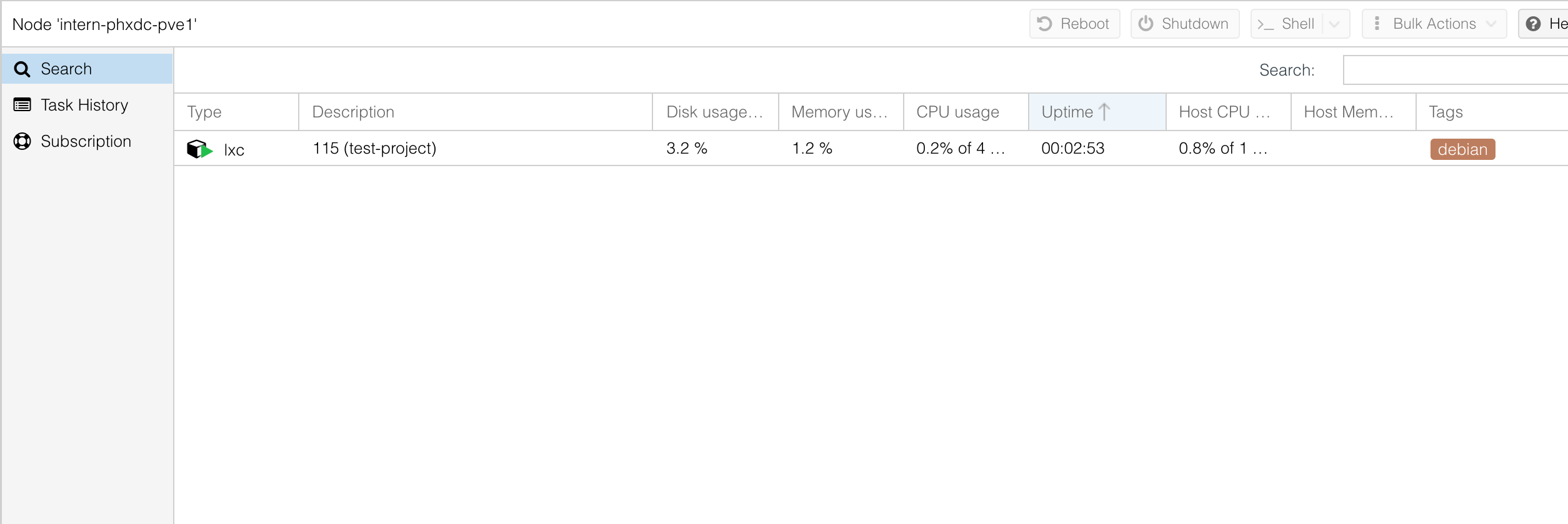
After logging in, you'll see your active containers. Each has a tag showing the OS and your username.
Metrics
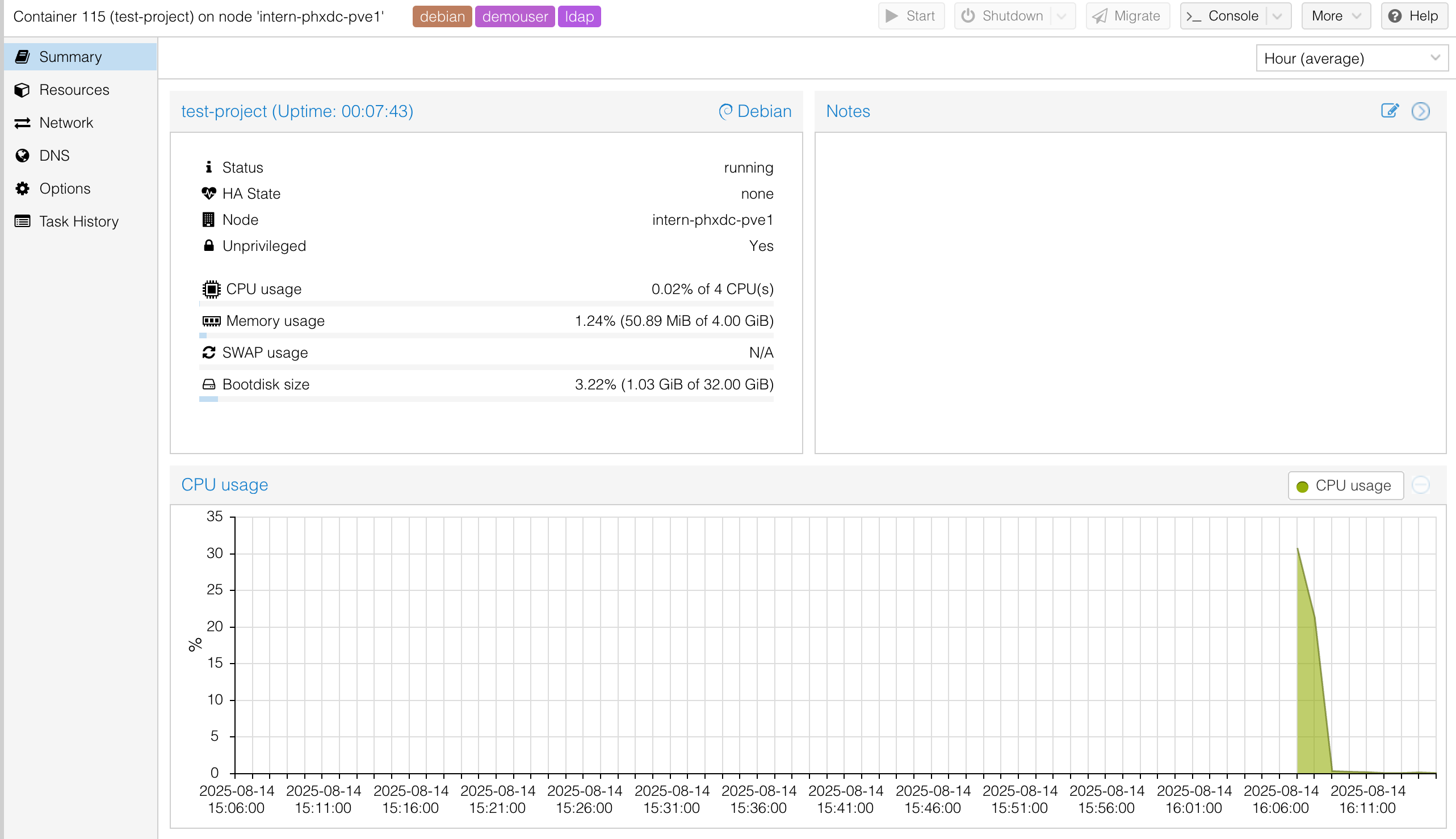
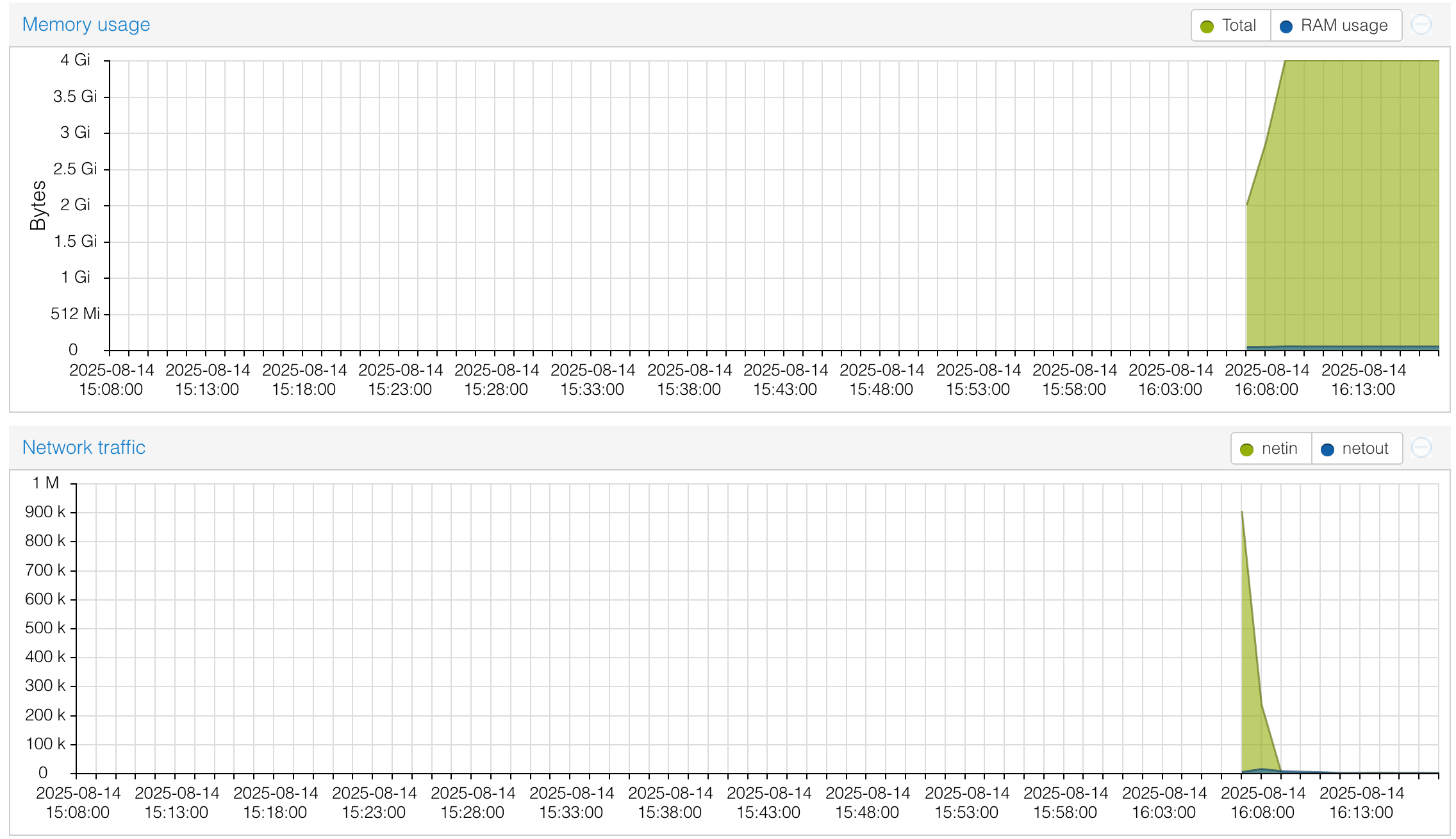
Double-click a container to view CPU, memory, swap, and disk usage with progress bars and time-series graphs.
Important
If any metric stays above 80%, contact an MIE cluster admin to upgrade that resource.
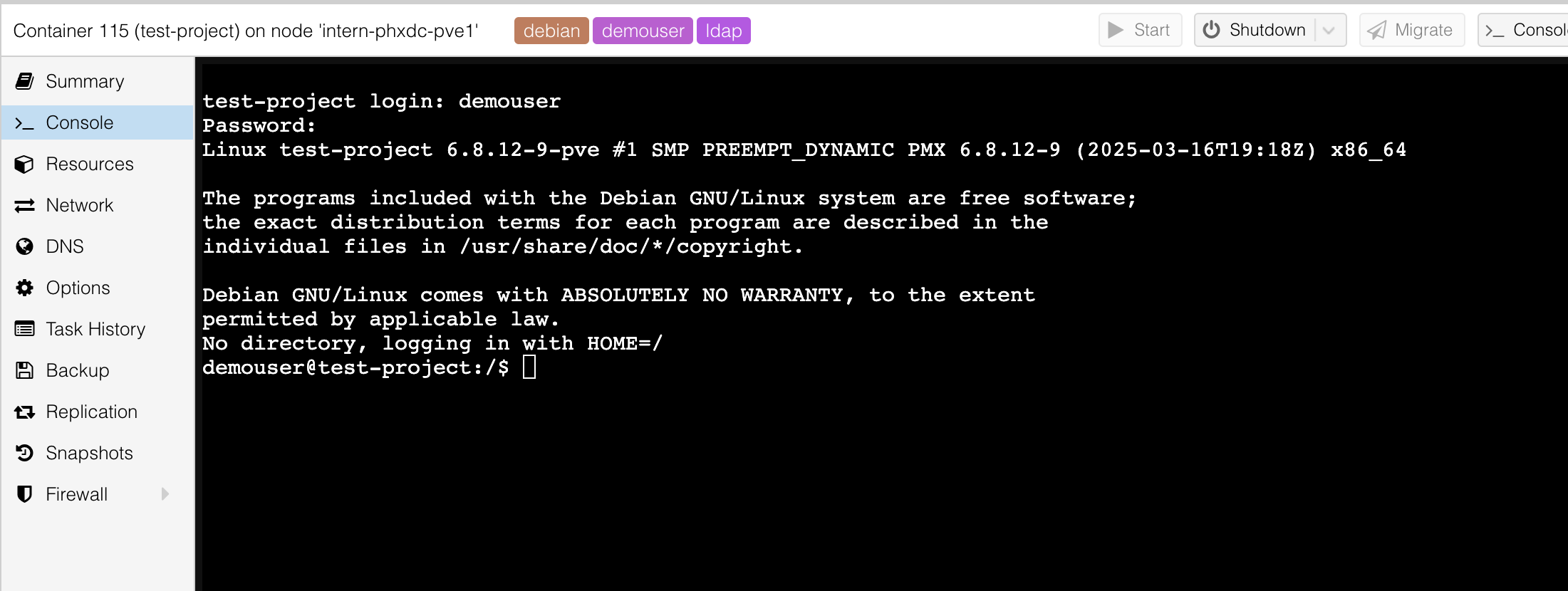
Shell Access
Access the container shell directly from Proxmox. Prefer using SSH from your local machine for regular work.